







































































INCIDENT IQ’S SCHOOL MANAGEMENT APP
Your K-12 school operations system
on the go
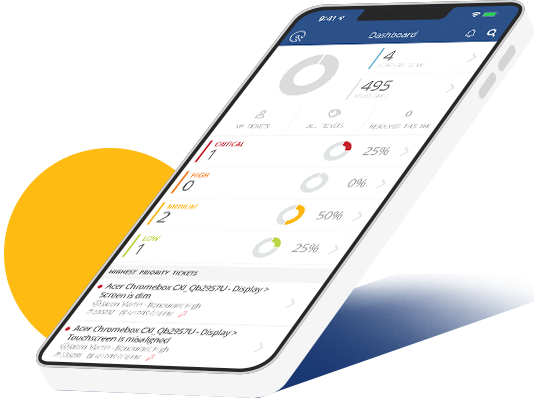
Supporting classrooms means staying responsive. The Incident IQ mobile app keeps operations running with the tools your team needs, wherever they are.


Supporting 12+ million students in districts across all 50 states

Comal ISD (TX)

Fayette County Public Schools (GA)

Hillsboro SD (OR)

Knox County (TN)

Moore PS (OK)
Mobile tools for nonstop district support
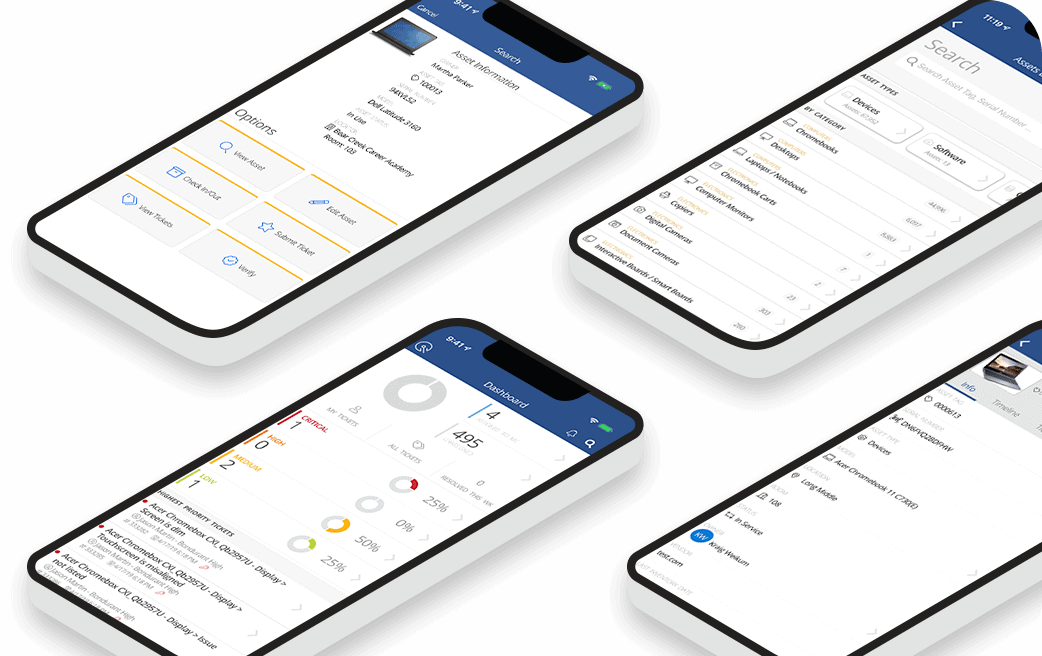
With Incident IQ Mobile, teams can submit tickets, scan assets, and approve work orders on the move. It’s K–12 support that goes where your team does.
MOBILE ASSET MANAGEMENT
Scan, search, and fix on the fly
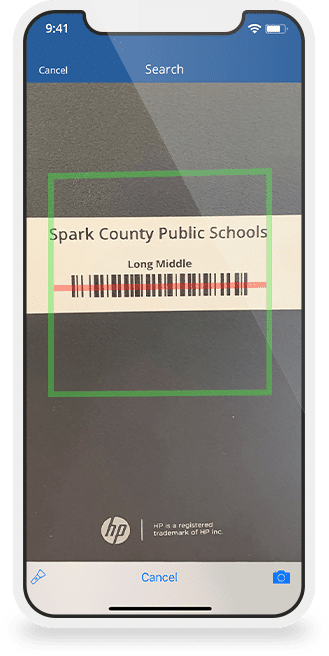
Use your phone to scan barcodes, look up devices by voice, and track repairs in real time. From hallways to help desks, iiQ Mobile gives tech teams fast answers and full context.
LEARN MORE ABOUT ASSET MANAGEMENT SOFTWARE FOR SCHOOLS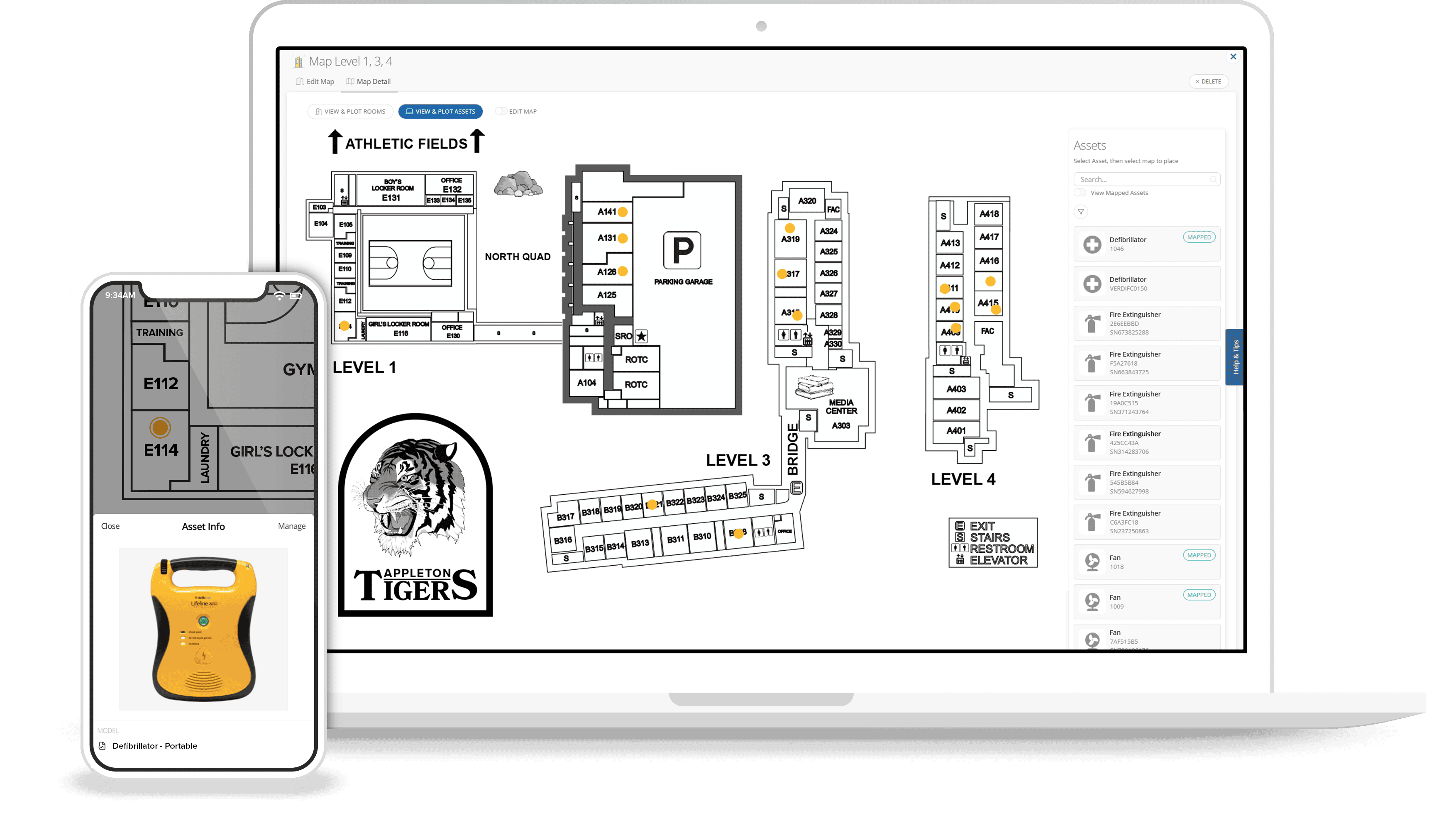
MOBILE FACILITIES MANAGEMENT
Navigate buildings with confidence
Digital floor plans show exactly where to go—no guesswork needed. View service history, manuals, and ticket notes from your phone, so facility teams can move fast and fix issues with full context.
LEARN MORE ABOUT FACILITIES MANAGEMENT SOFTWARE FOR SCHOOLSMOBILE TICKETING MANAGEMENT
Your help desk, minus the desk
Stay on top of support needs with push notifications, easy ticket submission, mobile logging, and access to detailed help requests while in the field.
LEARN MORE ABOUT HELP DESK SOFTWARE FOR SCHOOLS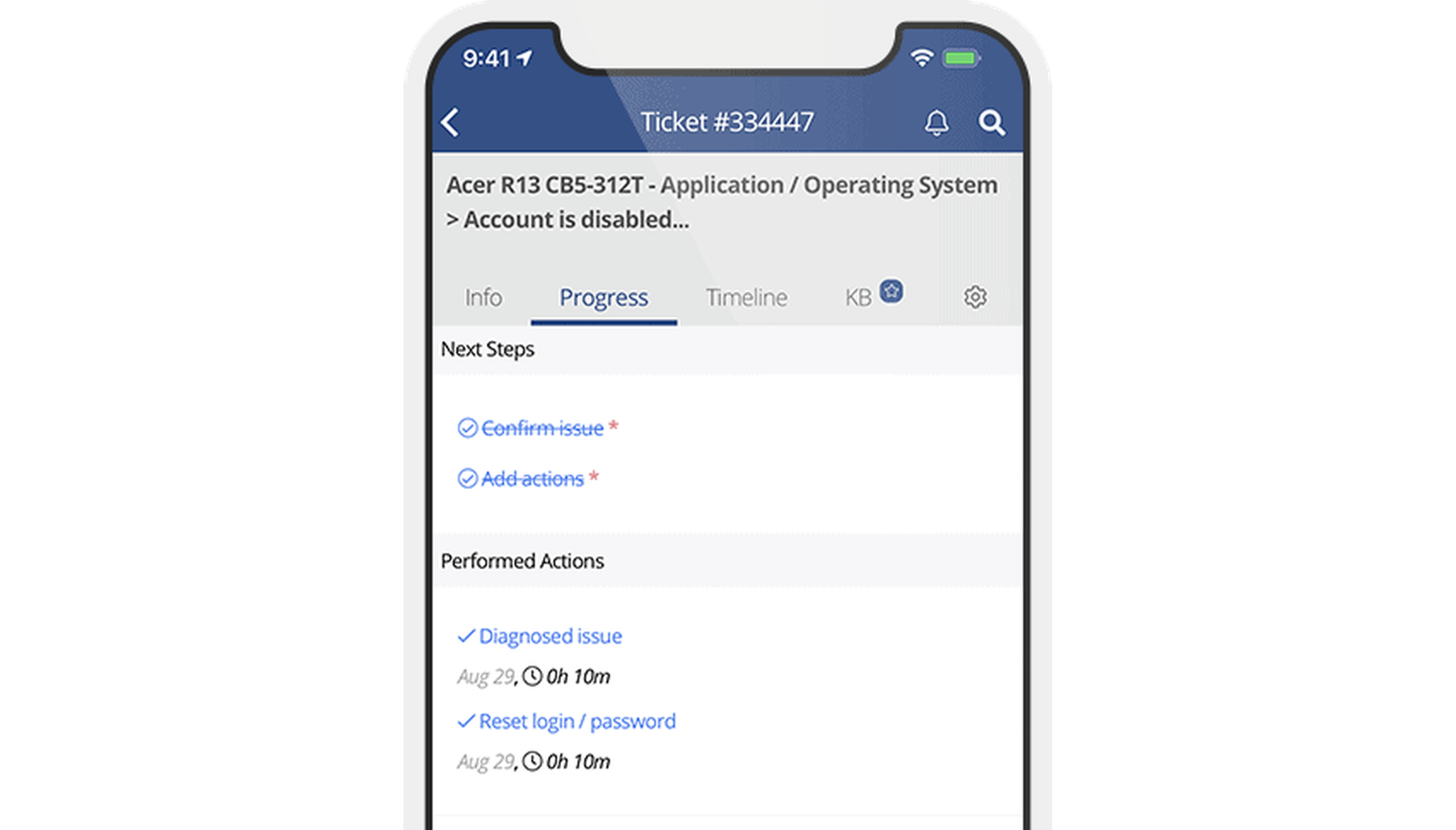
MOBILE APP DEMO
See Incident IQ Mobile in action
Discover how the iiQ mobile app supports daily workflows, letting teams manage tickets and assets with ease and from anywhere.

INCIDENT IQ’s SCHOOL MANAGEMENT APP FAQ
What is the price of Incident IQ’s mobile app?
The price of Incident IQ’s mobile app is $0 in the App Store and Google Play. It’s free to download and fully accessible with any licensed Incident IQ account—no extra fees required. Staff can manage tickets, assets, facilities, and more right from their iOS or Android device.
While the mobile app is included, overall Incident IQ pricing depends on the number of users and the specific modules your district needs, such as ticketing, asset management, or facilities tools.
Our team works closely with districts to create a setup that fits their school year structure, budget, and support goals, making sure the mobile app matches the way your teams work.
How can an all-in-one mobile school management app improve communication?
An all-in-one mobile school management app can improve communication across schools and departments by giving staff and support teams a single place to stay connected. With tools like messaging and push notifications, team members can share updates in real time, whether they’re in the same building or working at different campuses. Everyone stays informed, which helps reduce confusion and keeps daily operations running smoothly across the entire district.
Making Incident IQ’s help desk software for schools available via mobile app makes it easy to manage and respond to support requests from anywhere. Technicians can view tickets and communicate with requesters directly through the app. This keeps issues moving without delay and ensures fast, reliable support no matter where teams are working. With everything in one place, schools can maintain clear, consistent communication from the classroom to the district office.
How does Incident IQ work with LMS and SMS platforms?
Incident IQ’s cloud-based school management software can integrate with your learning management system (LMS) and student management system (SMS) to support better workflows. It uses data from these platforms to support functionalities like auto-filling forms, assigning requests based on student data, and speeding up response times.
When a teacher submits a help ticket, it can be tied to class schedules or locations pulled from your SMS. That means less manual entry and faster resolution. LMS and SMS details can be accessed directly in the mobile app, making it easy to stay informed and act quickly from anywhere.
Incident IQ can also integrate with your student information system (SIS), streamlining operational tasks tied to student and classroom data, so your team can keep things moving with less effort.
Does Incident IQ Mobile App support ERP-related tasks?
Yes. Incident IQ supports many ERP-related tasks by managing assets, maintenance requests, inventory, and purchasing processes in one platform. From its facilities management software for schools to its attendance management and device deployment features, Incident IQ helps automate time-consuming workflows and improve data accuracy.
Teams can access everything on the go, without needing to switch between systems. It’s a user-friendly way to handle operations that typically require multiple tools and extra coordination.