





































































SCHOOL INVENTORY MANAGEMENT SYSTEM
Inventory management built for how K-12 schools actually work
Track every device and resource with custom workflows, a simple interface, and the visibility your team needs to prevent losses and stay audit-ready.

Supporting 12+ million students in school districts across all 50 states

Comal ISD (TX)

Fayette County Public Schools (GA)

Hillsboro SD (OR)

Knox County (TN)

Moore PS (OK)
REAL-TIME INVENTORY TRACKING & REPORTING
Find what you need, fix what’s wrong (fast)
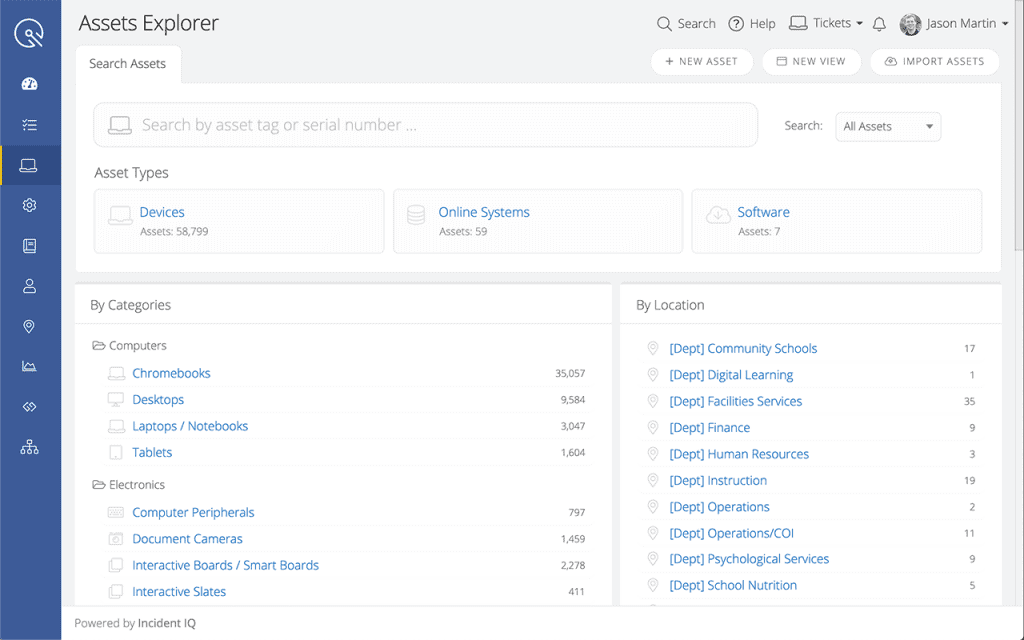
iiQ Assets gives IT teams fast, flexible tools to surface key inventory data in seconds. Use saved views and filters to track devices across buildings, departments, and users without relying on spreadsheets.
- Sort assets by location, assignment, type, or status
- Flag inactive or missing devices early
- Export reports for audits, planning, or reviews
INVENTORY LIFECYCLE MANAGEMENT
Cut technology costs with complete lifecycle tracking
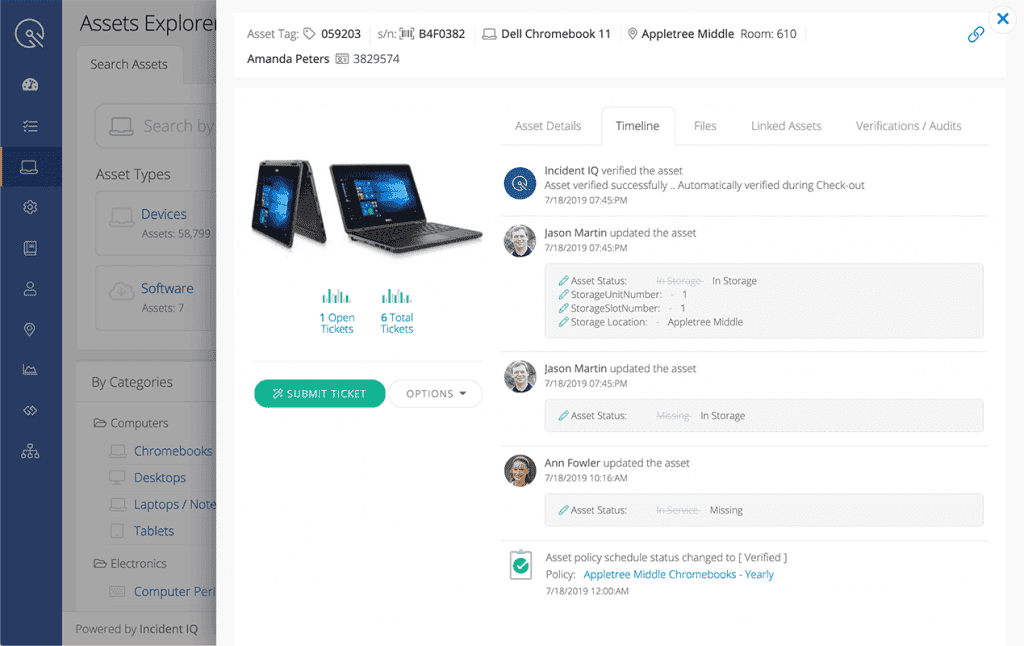
iiQ Assets keeps a running history of each device—from ownership changes and location shifts to hardware updates. With this visibility, your team can extend asset lifespan, avoid unnecessary replacements, and make smarter budget decisions.
INTERACTIVE ASSET LOCATION MAPPING
Find fixed assets in seconds
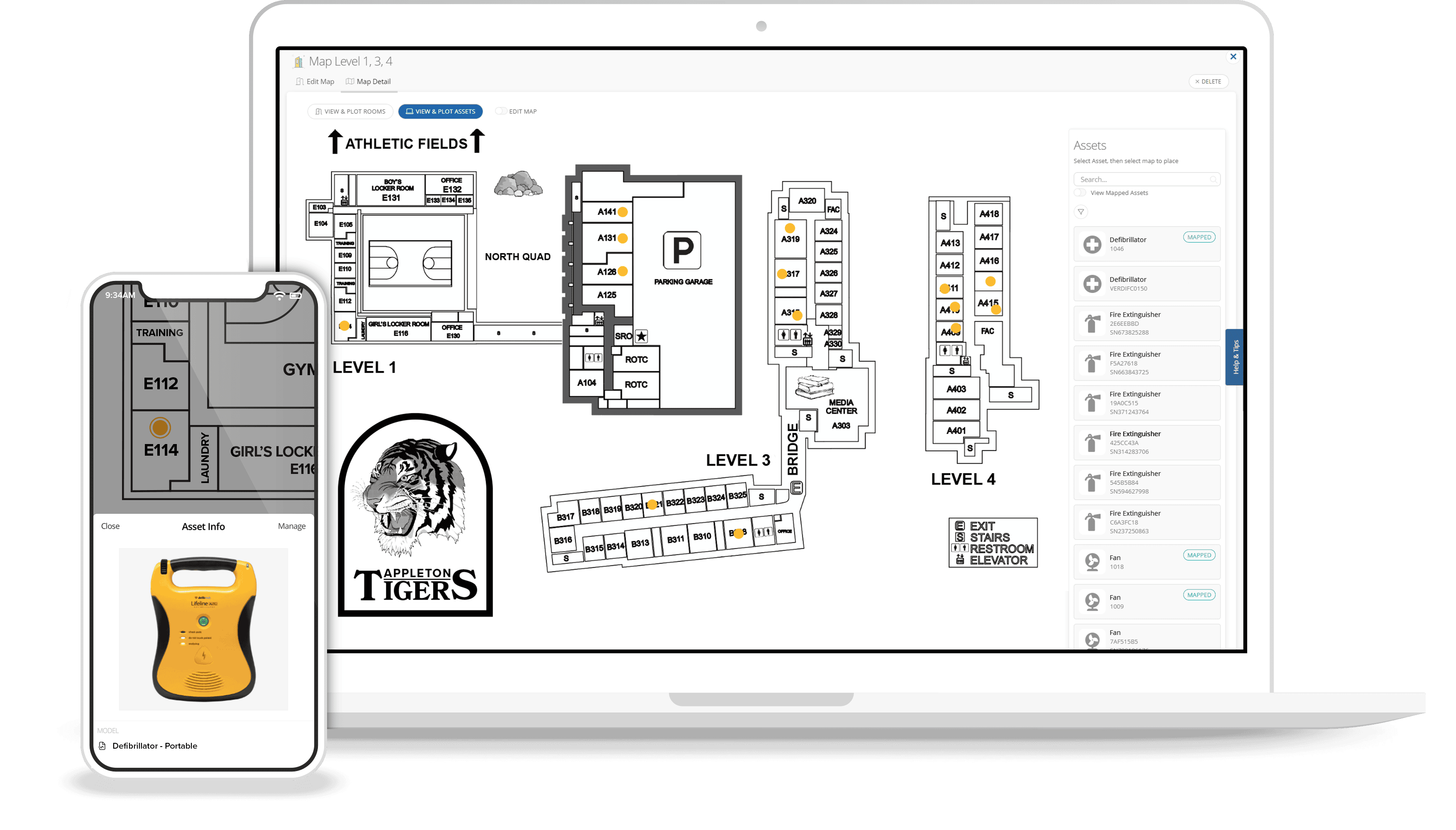
Stop wasting time hunting down projectors, carts, or classroom equipment. With iiQ’s location mapping, your team can:
- Pinpoint assets by room, building, or campus
- Keep records accurate as assets move
- Ensure equipment is always where it’s needed most
WORKFLOW MANAGEMENT
Streamline workflows and strengthen inventory control
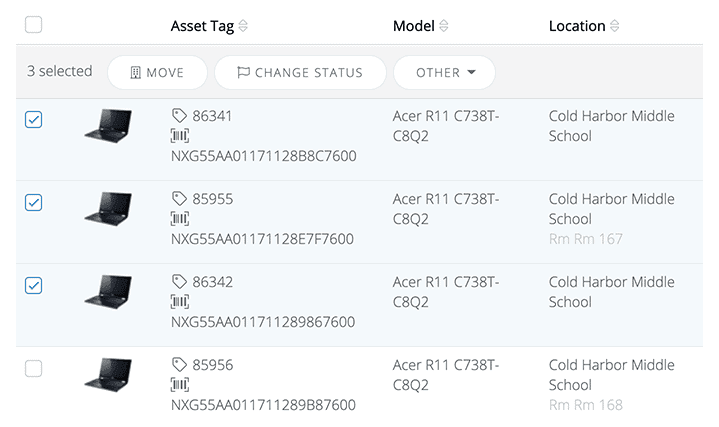
Cut down on repetitive tasks with automated workflows. From bulk updates and verifications to touchless deployments and location tracking, iiQ Assets reduces manual errors and keeps your inventory accurate.
INVENTORY MANAGEMENT BARCODES
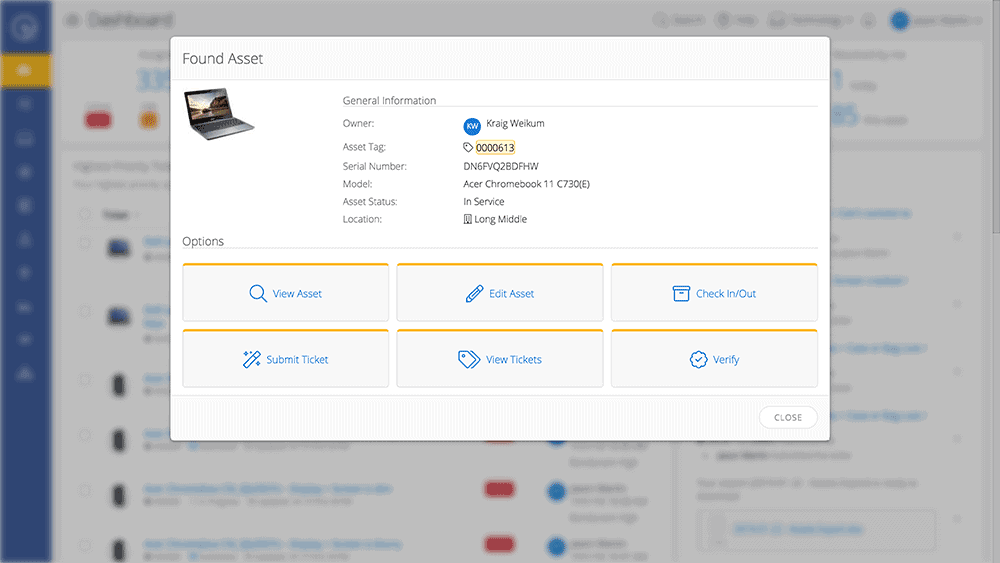
Easily check in, check out, and update assets
Quick barcode scans make it easy to batch check in, check out, and update devices at the start and end of every school year. Whether you’re swapping devices, verifying status, or logging repairs, your team can handle it on the spot—no long, manual days at the start and end of every school year, ensuring all devices are accounted for.
APPS & INTEGRATIONS
Integrate with leading MDM platforms
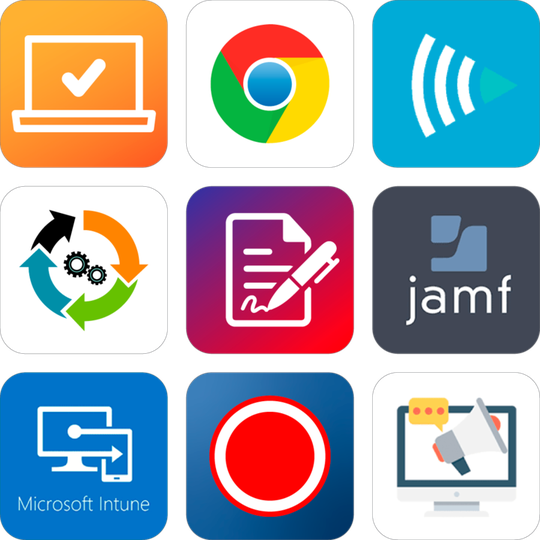
Reduce the need for shared logins into sensitive systems by bringing data from your district’s MDM platform into iiQ Assets. Featuring functionality for integrations with Google Admin Console, Microsoft SCCM, and Jamf, iiQ Assets fits with your district’s existing device management framework.
MOBILE APP ASSET TAGGING
Manage assets from your mobile device
The Incident IQ mobile app lets you manage inventory in real time from anywhere. Scan an asset tag or student ID to check in devices, log updates, and streamline tasks that used to take hours—all from your phone.
Key features of Incident IQ’s inventory management software

School asset analytics at a glance

Detailed permission controls

Integrated asset tag printing

Link assets for simple management

Group assets for better organization

Get up and running quickly with asset imports
SCHOOL INVENTORY MANAGEMENT SOFTWARE FAQ
What is school asset management software?
School asset management software is designed to help K-12 districts manage and track technology and other assets more effectively. It replaces spreadsheets and disconnected tools with a user-friendly and centralized platform that keeps asset data organized and accurate.
With a cloud-based school management software like Incident IQ, teams can monitor device health, check ticket assignment history, track repairs, and plan for future needs. By giving IT teams real-time insight into what they own and where it is, asset management software supports better planning and reduces manual work.
How do asset management solutions affect budgeting for educational institutions?
Asset management solutions affect budgeting for educational institutions by giving schools the data they need to plan. When you know exactly how many devices are active, how many have been deprovisioned, and what needs to be replaced, it’s easier to forecast technology needs for the year ahead.
These systems can also alert your team when inventory runs low or when key assets are nearing the end of their lifecycle. With up-to-date records, teams can avoid over-ordering and ensure that funds are used where they’re needed most.
Is asset tracking available for all district-owned assets, not just student devices?
Yes, asset tracking is available for all district-owned assets, not just student devices. While laptops and student devices are often the focus, a full-featured asset management system should track all educational assets owned by the district. This includes projectors, classroom equipment, smartboards, lab tools, gym gear, and more.
With Incident IQ, assets can be tagged with barcodes or serial numbers, grouped for easier updates, and assigned to specific rooms or staff members. Bulk actions and smart filters help keep records accurate throughout the year. Tracking every educational asset supports accountability and leads to more reliable inventory counts across the district.
How does Incident IQ automate device tracking and lifecycle workflows?
Incident IQ simplifies device tracking by automating key steps across the entire lifecycle. Each asset is logged with important details like model, serial number, and assigned user. These tracking systems help your team manage check-ins, checkouts, repairs, warranty status, and replacement timelines without added manual work.
The platform connects directly with your ticketing management system, so when a device issue is reported, it’s automatically linked to the asset record. This gives you instant access to repair history, current location, and user details in one place.
Device deployment and refreshes can all be managed using rules and templates, while bulk actions make it easier to complete large-scale updates quickly. You can also run inventory audits to confirm device locations and keep records accurate across the district.
Related Resources

Ranking the Best Times to Conduct a School Inventory Audit
Check out these tips to identify the right time of the year for your auditing procedures.

Inventory Management Best Practices: K-12 Schools Edition
Check out this guide for tips on how to best manage fixed and mobile assets in your district.
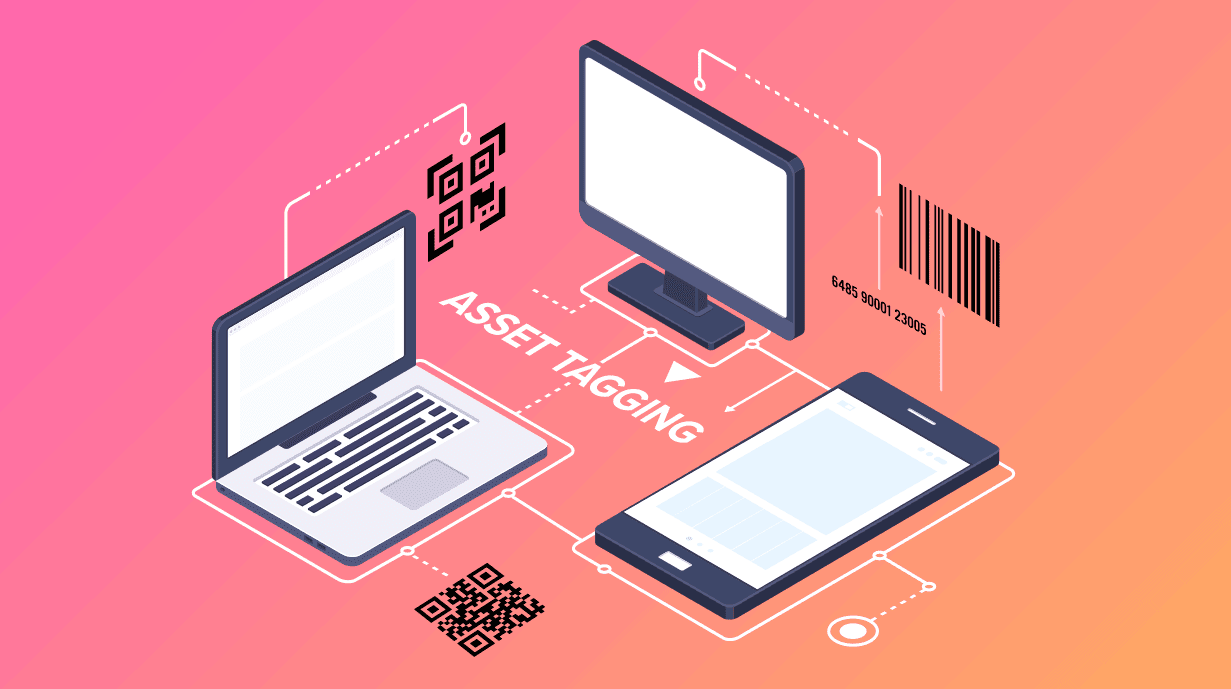
Asset Tagging Best Practices: A Guide for K-12 Schools
Here’s a pop quiz for your district. How many student devices does your district have at its disposal? How many devices are currently allotted as spares? Where are these assets? Do you know what condition they’re in? Asset tagging is a simple way to answer all these questions accurately and—mo …