






































































DEVICE AND ASSET DEPLOYMENT
Powerful device distribution
iiQ Assets contains tools that assist with every step of learning device distribution. Check devices in and out, track storage and location information, and distribute technology policies to students and staff.

ROLLOUT SCOUT
Deploy devices with ease.
Get student devices checked out in seconds. With Rollout Scout, device deployments have never been easier.
LEARN MORE ABOUT DEVICE DEPLOYMENT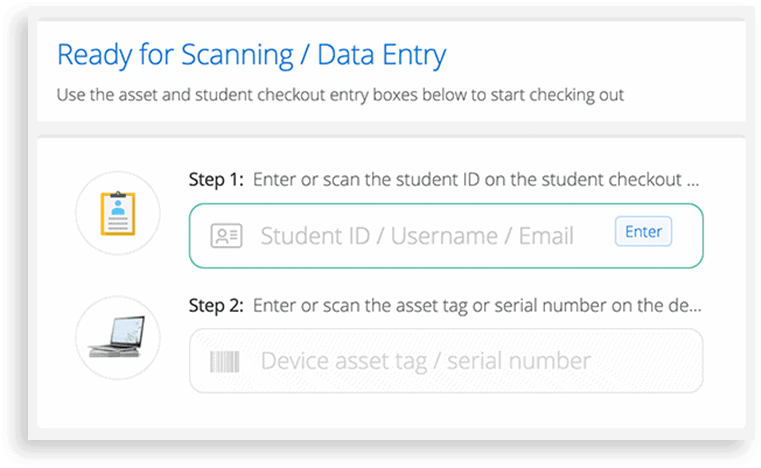

Incident IQ districts have reported deployment times as fast as 1,000 devices per hour.
SUCCESS STORY
See how iiQ Assets revolutionized device deployment for Henry County Schools.

TOUCHLESS DEPLOYMENT
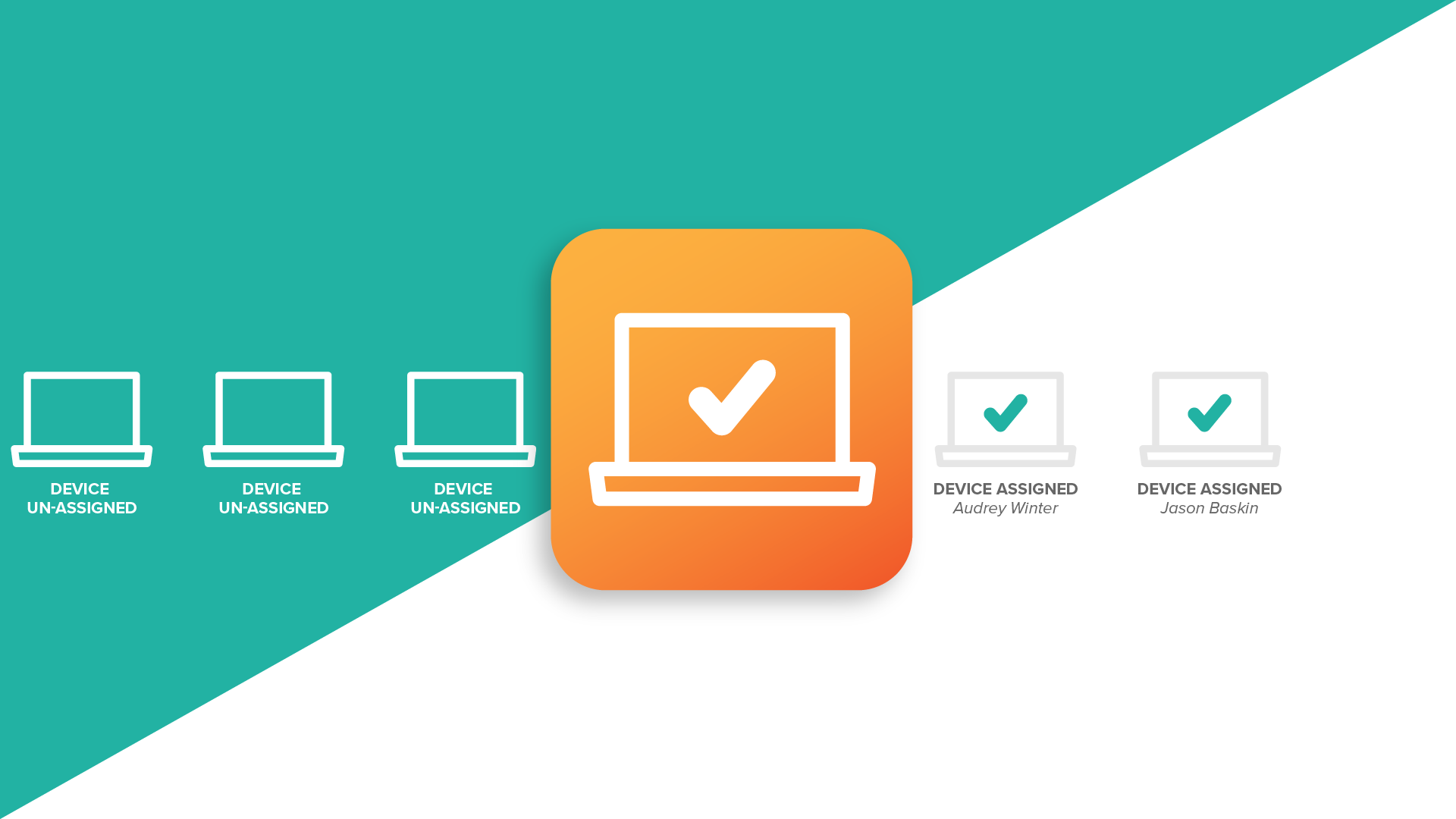
Get devices assigned without a single scan.
Get devices assigned without breaking out the barcode scanner. Distribute devices, and ownership data will be updated when a student signs in for the first time.
POLICY MANAGER
Distribute and collect permission forms digitally.
With Policy Manager, districts can create a trusted channel to quickly distribute policy agreements. Create policy forms and digitally deliver them to students, parents, faculty or staff. Easily track and report on policy acceptance.
LEARN MORESPARE DEVICE MANAGEMENT
Eliminate downtime with Spare Pool.
Prevent damaged devices from causing lost instructional time. Spare Pool provides IT teams with tools to allocate and monitor spare devices across an entire district.
LEARN ABOUT SPARE INVENTORY MANAGEMENT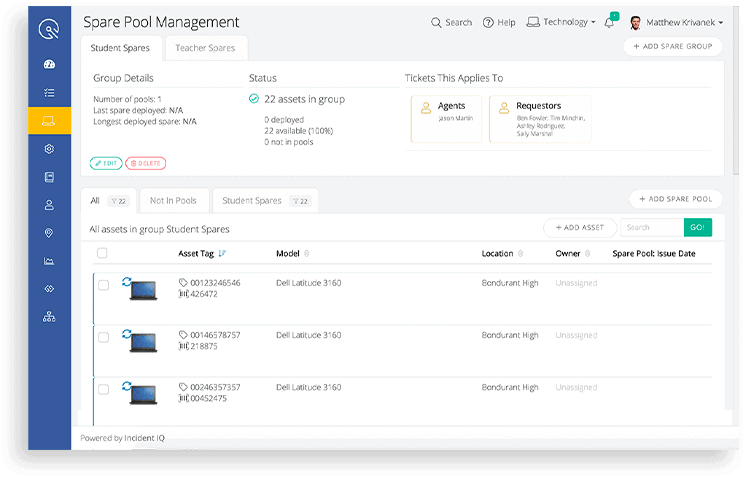
CLASSROOM DEPLOYMENT
Get devices to students faster.
My Classes allows teachers to use a webcam to quickly assign devices to their homeroom students, saving tremendous time by assisting IT teams in device deployments. Clearly visible progress indicators make it simple for teachers to ensure that they’re assigning the device properly.
LEARN MOREDEVICE AND ASSET COLLECTION
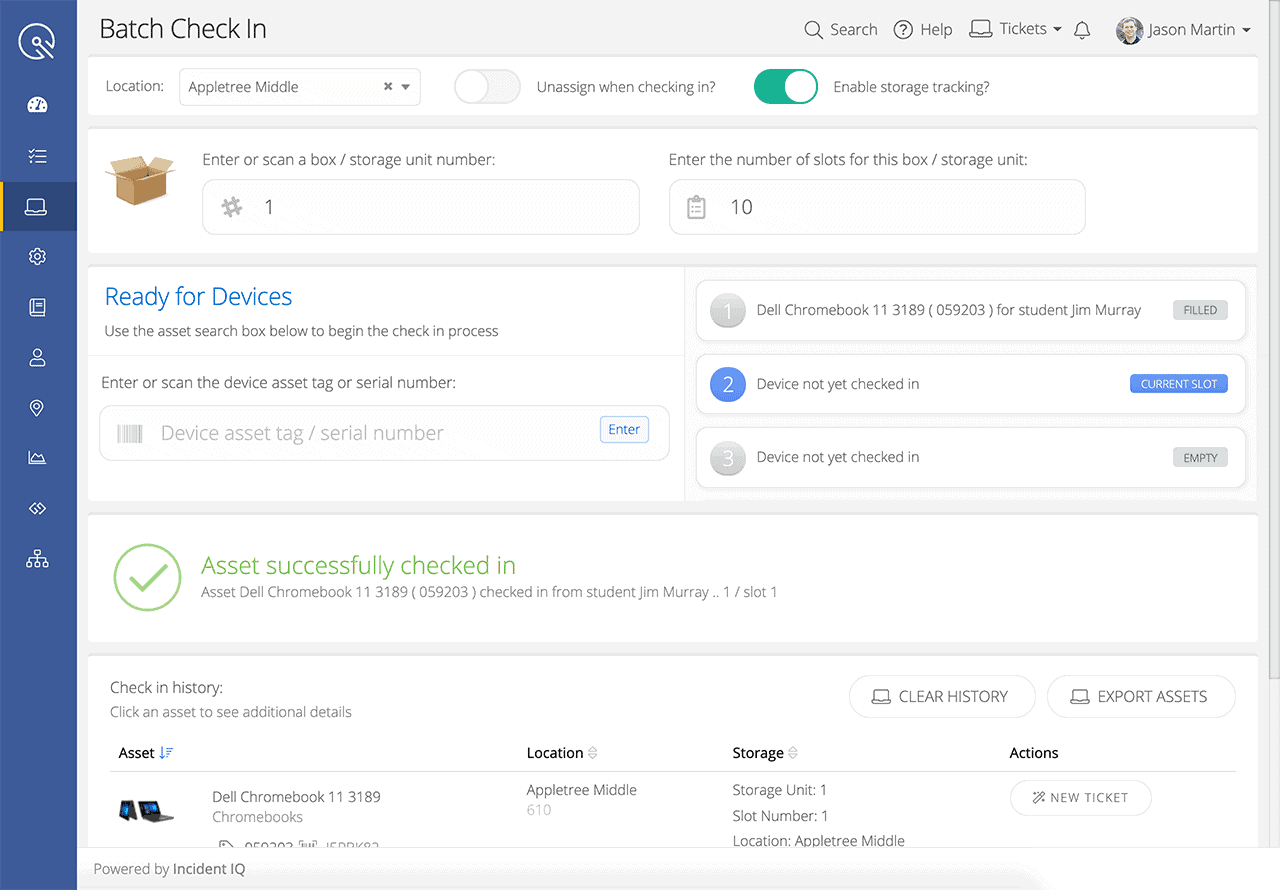
Collect devices and track storage locations.
iiQ Assets records previous device ownership and storage location, so schools can efficiently assign the same device to students year-over-year.

Device stewardship keeps student devices working longer.
Districts that return the same device to students year-over-year experience less device damage. If students know they’re getting the same device back, they’re more likely to take better care it. With storage tracking, iiQ Assets makes this best practice easy to implement.
BLOG
A guide to getting device distribution off on the right foot.
Device distribution is a heavy lift, but with proper preparation and planning it can be knocked out in no time. See our tips for successful deployments.
READ FULL ARTICLE
FREQUENTLY ASKED QUESTIONS
How can I track student Chromebooks?
K-12 districts can track student Chromebooks with Incident IQ by conducting device audits and generating data-rich asset reports. Data-rich reports give users insights on how many Chromebook devices are in need of repair, in use, or missing — while Smart Audits allow school districts to ensure all their student devices are accounted for.
What is asset management software?
K-12 districts can track student Chromebooks with Incident IQ by conducting device audits and generating data-rich asset reports. Data-rich reports give users insights on how many Chromebook devices are in need of repair, in use, or missing — while Smart Audits allow school districts to ensure all their student devices are accounted for.
How can I create content filters on school devices?
K-12 districts can track student Chromebooks with Incident IQ by conducting device audits and generating data-rich asset reports. Data-rich reports give users insights on how many Chromebook devices are in need of repair, in use, or missing — while Smart Audits allow school districts to ensure all their student devices are accounted for.
Related Resources

End-of-Year Asset Collection Checklist
When summer is approaching and the school year is drawing to an end, check out this list of things to consider when planning end-of-year device collections.
Chromebook Deployment in Schools: Best Practices for the New School Year
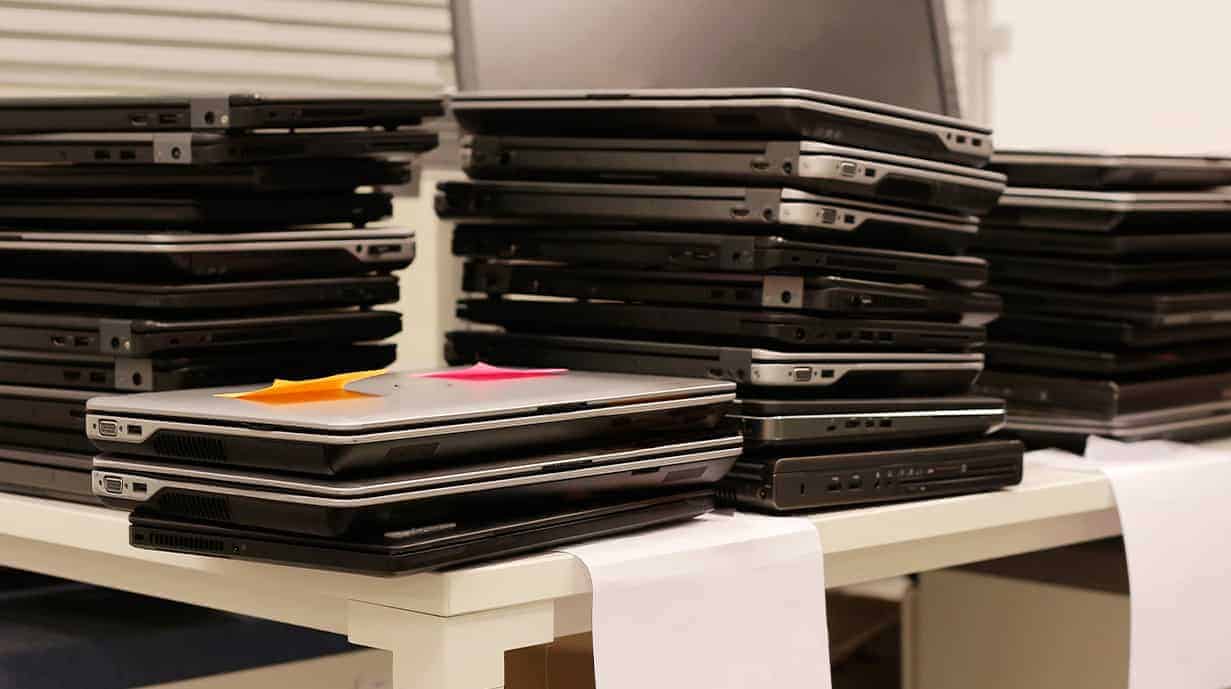
Read this guide to see how you can optimize your device and asset deployment strategies to get Chromebooks, iPads, and other mobile devices out the door quickly and accurately.

The Ultimate Guide to School District IT Equipment Tracking
Check out this comprehensive guide for managing fixed and mobile assets in a K-12 district.