







































































SIS
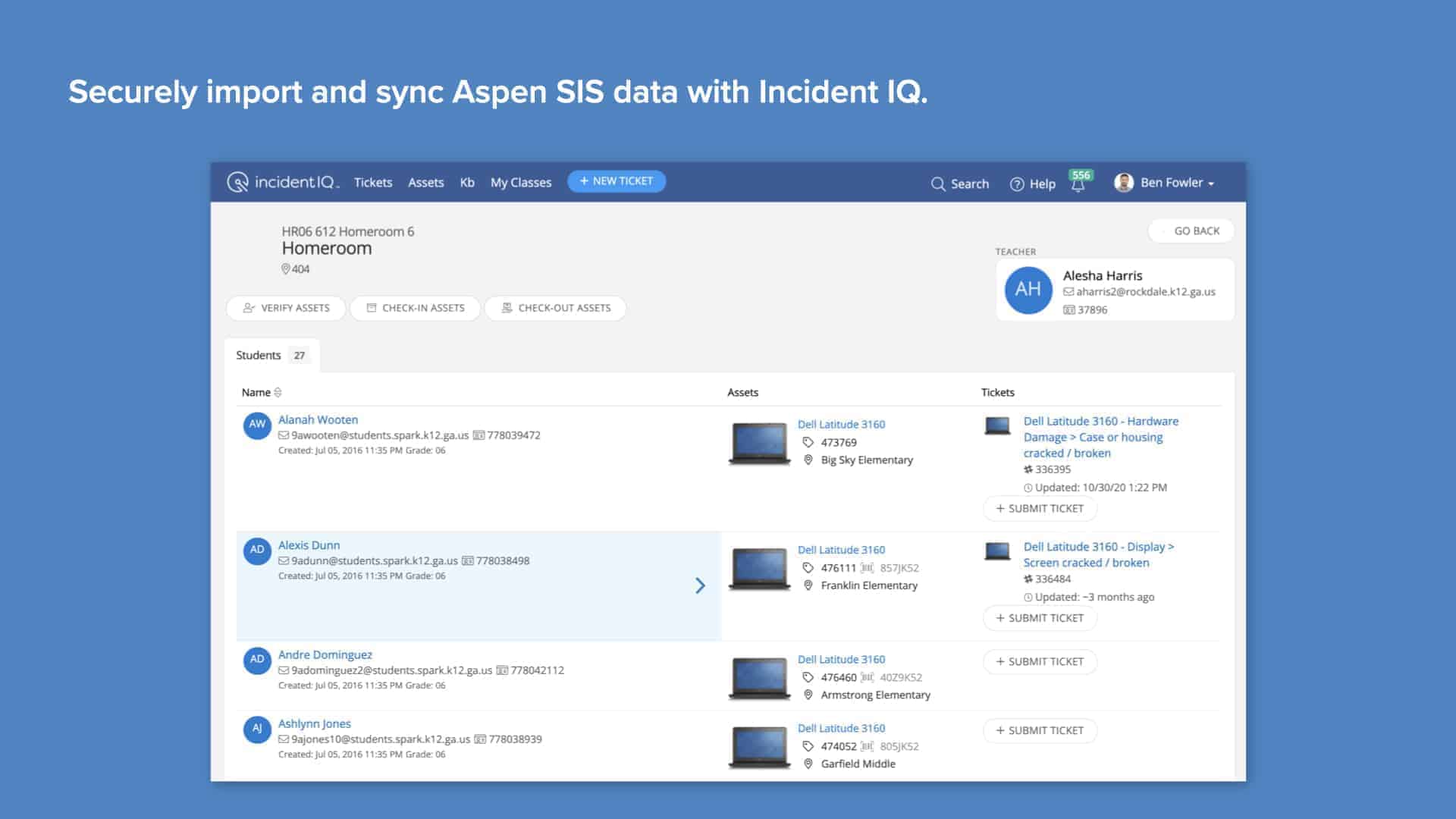
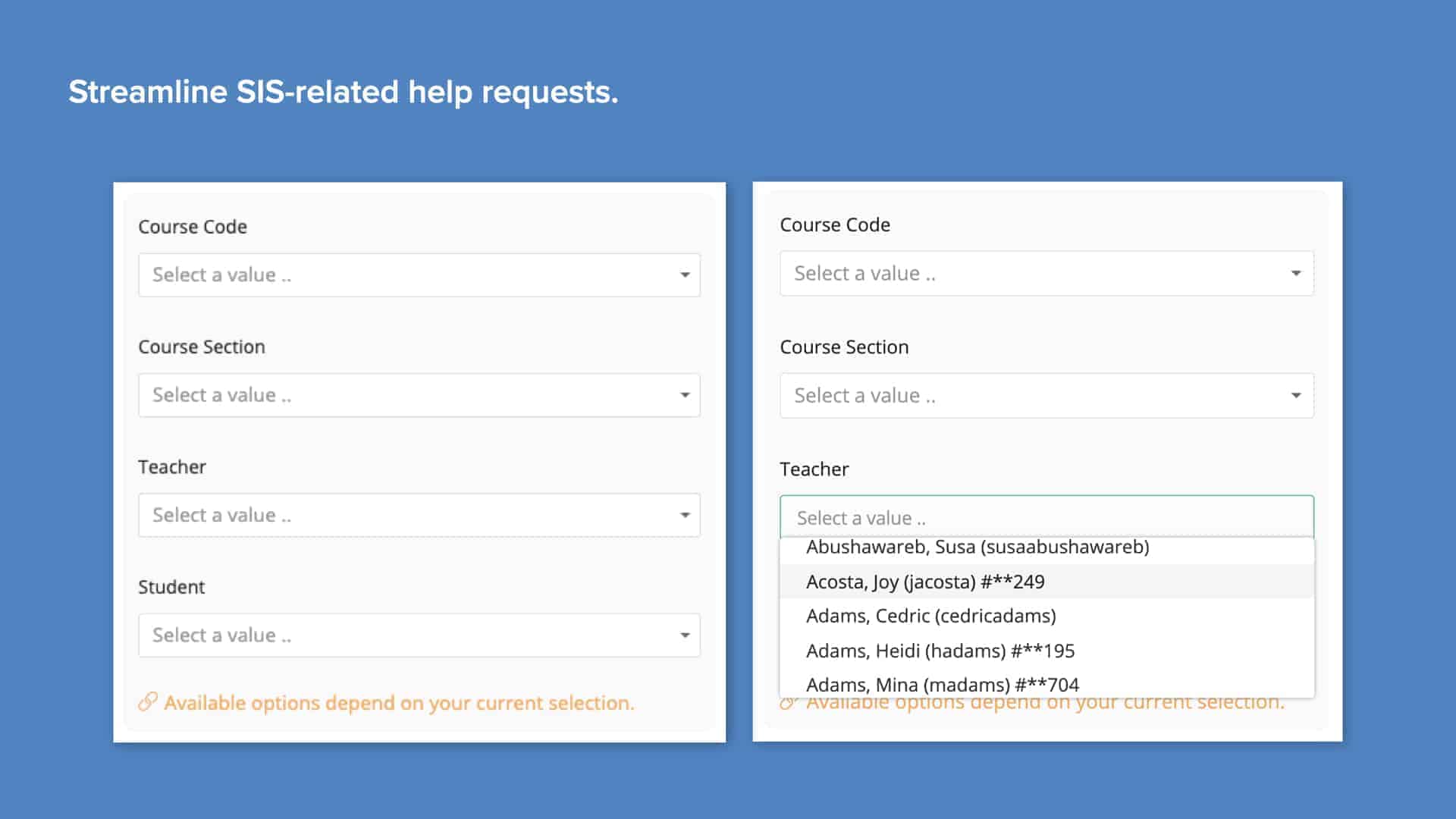
Bringing district SIS data into Incident IQ enables a host of powerful features. Enable data-rich help requests by bringing course codes and roster information into the ticket submission process. Empower teachers to submit tickets on behalf of students with My Classes.
This app has been built by Incident IQ. The app is not affiliated with the referenced company; all product names, trademarks, and registered trademarks are the property of their respective owners.
Thank you for your interest in Incident IQ's Aspen SIS. Please fill out the form below and we will send you more information.
Incident IQ Integration For
Aspen SIS
After activating this integration, districts can securely import user, course, and roster data into Incident IQ. This data is used to streamline SIS-related help requests, as well as enable advanced functionality like My Classes, which allows teachers to easily submit help requests on behalf of students.
- Simple user sync: Easily synchronize student, teacher, and parent/guardian SIS accounts with Incident IQ for simple, accurate account creation
- Unlock My Classes: Incident IQ’s My Classes feature makes it simple for teachers to submit help tickets and manage devices on behalf of students
- Streamline SIS help requests: Pre-populated Ticket Wizard workflows make it simple to submit SIS-related help requests
- Course information at the ready: Responsive course-selection dropdowns draw from SIS data to display relevant course and student data to teachers submitting SIS-related help requests
- Flexible data mapping: Specify which data source user information comes from. Seamlessly merge data from SIS, SSO, and other integrations to build Incident IQ user profiles that fit district data sets