

Managing large K-12 facilities and asset inventories is no small task. Downtime and inefficiencies can quickly disrupt school operations—but with the right tools, repairs don’t have to add to the chaos. Repair order templates are the perfect starting point for schools ready to streamline repair processes, track costs, and maintain accurate record-keeping.
For schools already using K-12 management software, repair order workflows are seamlessly integrated into asset and facility management tools to log, track, and resolve repairs efficiently. But if your school isn’t equipped with advanced software yet, Incident IQ’s free work order templates for K-12 schools are here to help.
Read on to learn how these templates can simplify your repair workflows, and download them today to get started!
Why Schools Need Repair Order Forms
K-12 districts with large campuses and extensive equipment rely on efficient maintenance systems to manage operations. Maintenance work order forms bring structure and clarity to the repair process, benefiting schools in several ways:
Streamlining Asset and Facility Management
Repair order templates help facilities and asset managers stay on schedule, manage budgets, and keep everything running smoothly. Schools can tackle repair services and keep their facilities in great shape by documenting everything needed and providing clear records for parts and labor.
Enhancing Accountability and Documentation
Repair order forms serve as a centralized hub of information for managing repairs from start to finish. These forms capture critical details—like request data, repair estimates, service dates, and progress tracking—ensuring nothing falls through the cracks when completing a work order and everyone involved has a clear view of service operations.
Improving Communication Across Departments
Repair order forms reduce cross-departmental delays by providing access to important details like contact information, asset specifics, and specific insights from the requestor. On top of that, documenting these repairs using centralized K-12 management software, like Incident IQ, allows maintenance crews, IT staff, and administrators alike to manage and track operations effectively.
What to Include in a Repair Order Form
A good work order request form should include all these key details to keep repairs on track and costs under control:
- Contact Information: List names, phone numbers, and school details so the right people can be contacted quickly.
- Repair Description: Provide a clear summary of the repair needed, including a checklist for repair type and space for special instructions.
- Order Number and Tracking: Assign a unique order number to each request for easy tracking. Adding location codes or asset IDs organizes repairs even further.
- Cost Breakdown: Include fields to list parts, labor, subtotal, and total costs so budgets and service invoices stay clear and manageable.
- Warranty and Service Dates: Record warranty details and service dates to track repair histories and reduce unnecessary future expenses.
How to Use Repair Order Templates
Once you’ve gathered the essential details for your repair order forms, the next step is putting them into action. Follow these steps to integrate repair order templates into your workflow seamlessly:
- Choose the right format: Download the template as a PDF for easy sharing, or convert it to Excel for tracking alongside your other asset or facilities maintenance plans.
- Customize for Your School: Add fields for school-specific details like district codes, department names, or asset types to keep repairs organized and tailored to your workflow.
- Set Clear Guidelines: Create simple instructions for filling out the forms to make tracking repairs, planning budgets, and completing audits easier.
- Share with Staff: Provide access to the templates and train your team on how to use them. Establish a shared location to store the latest versions and completed forms.
- Integrate with Incident IQ: If you’re using facility or asset management software like Incident IQ, connect the templates to effortlessly track repair requests and monitor costs.
- Review and Improve: Regularly gather feedback from staff and adjust the templates to include new fields or address common issues, like adding an emergency repair section.
- Keep Records Organized: Archive completed forms by year, location, or asset type. This makes it easy to access repair histories for audits, budgeting, or long-term planning.
Download Your Free Work Order Templates
A well-managed school starts with smart solutions, and repair order forms are the foundation for keeping maintenance efficient and organized. These templates do the heavy lifting to ensure your school district has the tools to stay organized and proactive—whether that’s maintaining K-12 facilities or managing school assets.
Take the first step to simplify your school’s work order process by downloading our free repair order templates below. For an even greater impact, integrate these templates with solutions like iiQ Facilities or iiQ Assets to seamlessly connect repair tracking with your broader asset and school management strategies. Schedule a demo today to discover smarter ways to manage repairs, assets, and facilities.
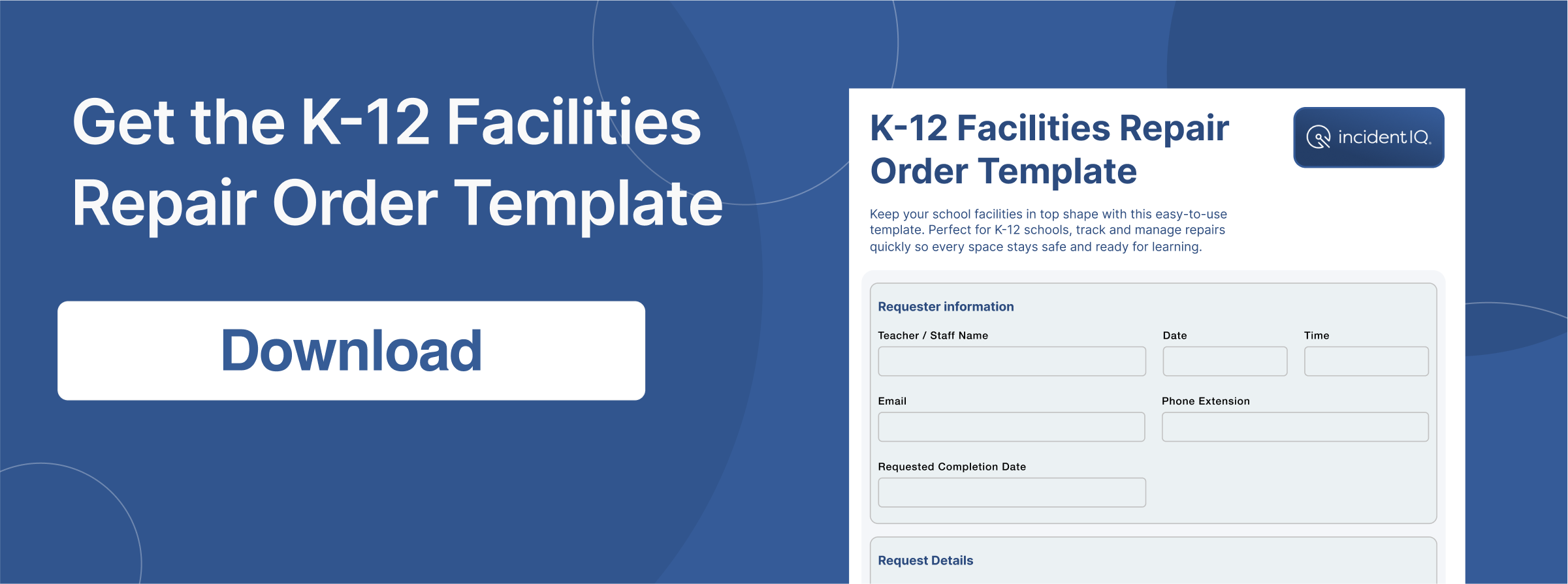
School Facilities Repair Order Template
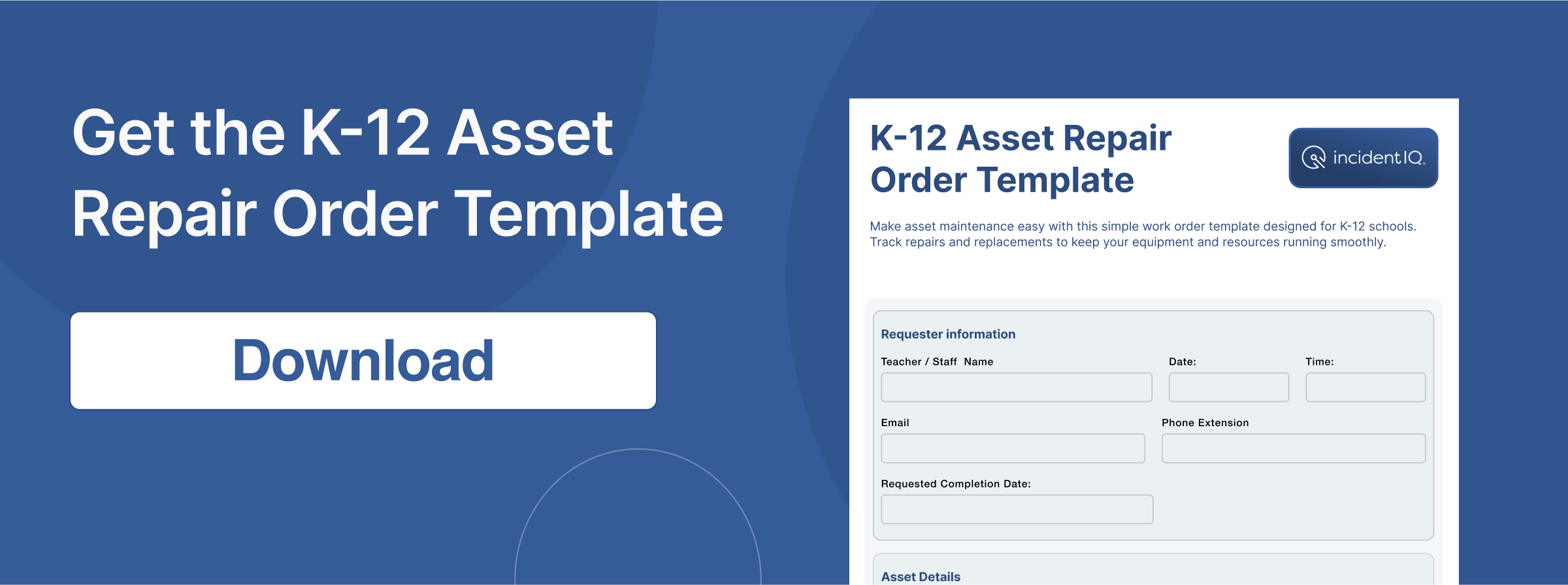
School Asset Repair Order Template
FAQs on Repair Order Templates
What is a repair order form?
A repair order form captures all the essential details of a repair request, including descriptions, order numbers, contact information, and costs. These forms simplify maintenance workflows for schools, ensuring every repair is well-documented and easy to track. When integrated with Incident IQ, repair order forms go beyond basic documentation. They become part of a streamlined asset and facility management system, making prioritizing tasks, tracking progress, and maintaining operational efficiency easier.
Can I customize the work order template to meet my school’s needs?
Absolutely! These templates are fully customizable to match your school’s specific needs. You can add fields for district codes, department names, or unique asset types to make tracking even more efficient. If your school uses Incident IQ, customizing these templates becomes even more powerful. By aligning with iiQ Assets and iiQ Facilities, K-12 managers can capture critical data, track repairs in real time, and ensure that maintenance updates are seamlessly integrated into their overall workflow.
Is this work order form template printable?
Yes! The templates are available in printable PDF format, ideal for creating hard copies to share or archive. Schools can also opt for editable digital formats, such as docs, for easy customization and data tracking. When linked with Incident IQ, these templates take on additional functionality, allowing schools to digitize and store forms within the K-12 management platform. This makes repair requests accessible anytime and simplifies communication among team members.
How does this template help with record-keeping and tracking repairs?
This template ensures that all repair-related details, like asset IDs, service dates, costs, and warranties, are clearly documented. With Incident IQ’s maintenance analytics, this process becomes even more effective. The platform centralizes repair histories, costs, and asset data, giving schools a complete view of their maintenance activities. This enables smarter decisions when planning budgets, scheduling repairs, and maintaining long-term operational efficiency.rranties, are clearly documented. With Incident IQ’s maintenance analytics, this process becomes even more effective. The platform centralizes repair histories, costs, and asset data, giving schools a complete view of their maintenance activities. This enables smarter decisions when planning budgets, scheduling repairs, and maintaining long-term operational efficiency.