






































































CHROMEBOOK MANAGEMENT SOFTWARE
Know the status of every Chromebook & accessory in your district.
Incident IQ helps manage each aspect of the Chromebook lifecycle, from initial setup to deployment to maintenance to deprovisioning, with advanced data & analytics throughout.

Trusted by IT Professionals in Districts Across All 50 States

Comal ISD (TX)

Fayette County Public Schools (GA)

Hillsboro SD (OR)

Knox County (TN)

Moore PS (OK)
CHROMEBOOK SETUP
Setup workflows make device prep a breeze.
iiQ Assets simplifies Chromebook setup for school IT teams with workflows that ensure all settings, softwares, and security features are pre-loaded and configured for student use.
DEPLOYMENT & COLLECTION
Assign & unassign Chromebooks in a snap.
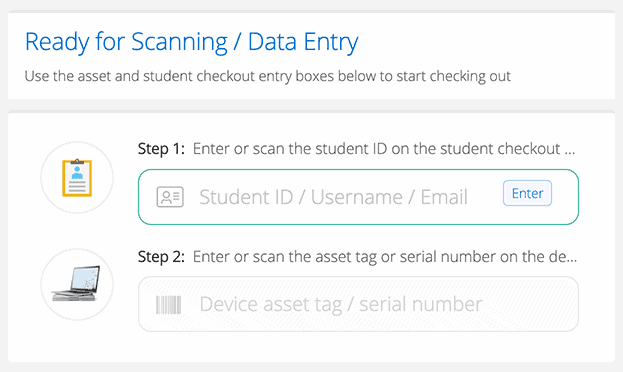
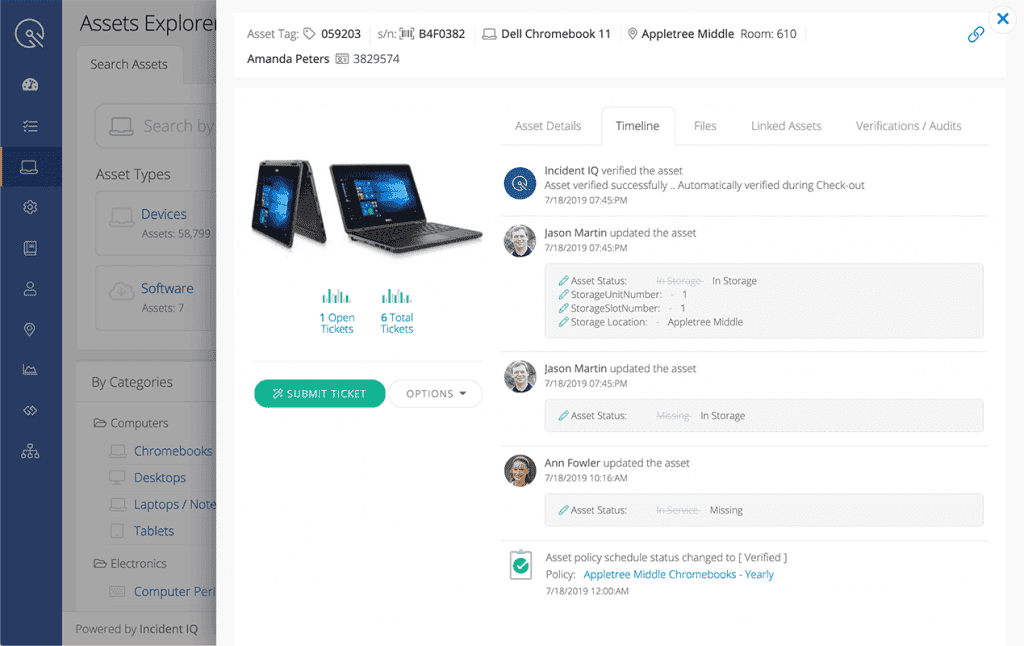
Breeze through Chromebook deployments and collections with barcodes for fast scanning and identification. With unique barcodes for each device and accessory, you can track exactly who receives exactly which device—and whether they’ve been returned.
INVENTORY & AUDITING
Know when devices fall off the grid.
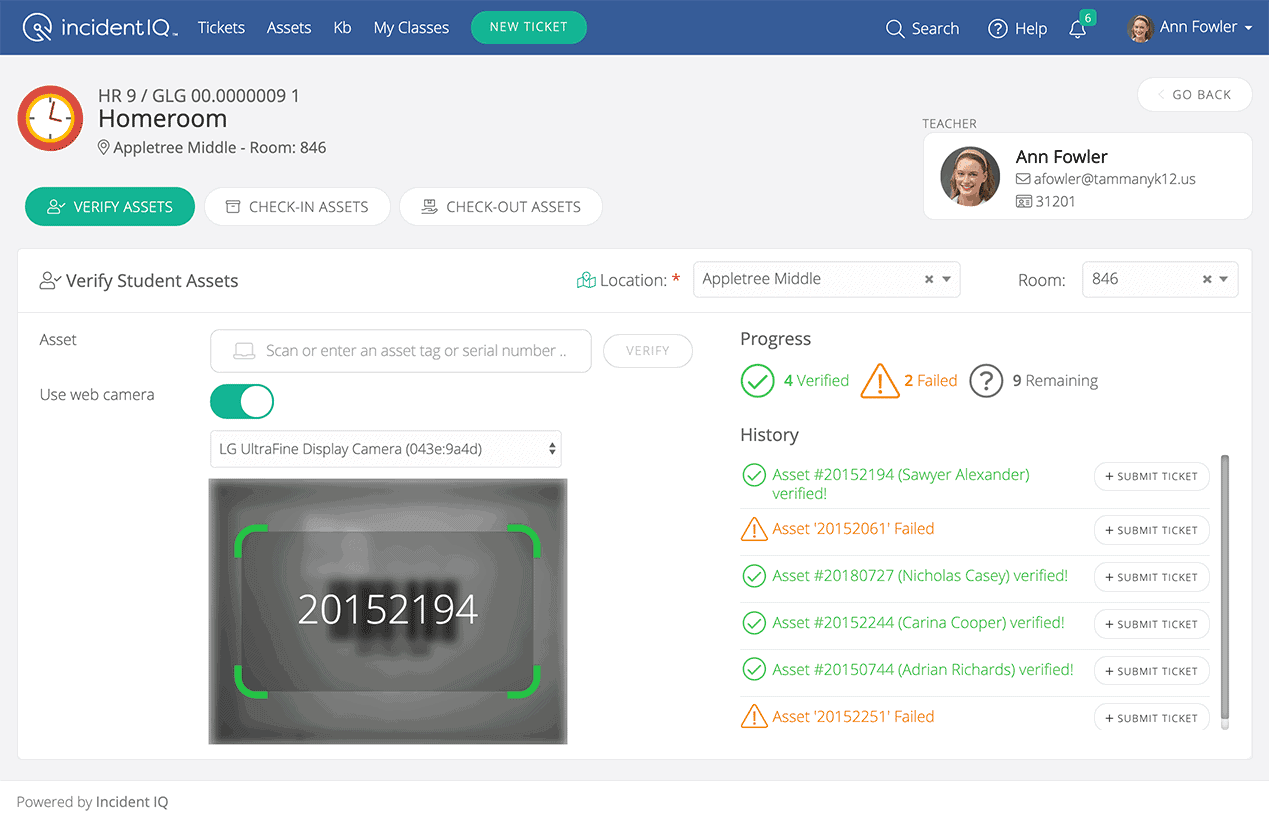
Check Chromebook usage data remotely to ensure student devices are still in active use, and by their intended owners. Or, use management tools to generate data-rich inventory audits that identify lost, stolen, or broken devices so you can take action quickly.
REMOTE DEVICE MANAGEMENT
Keep Chromebooks secure from afar.
Conveniently update software, deploy security patches, and diagnose and resolve issues in real-time with remote asset management. Lost or stolen device? Use Quick Lock to remotely lock or deprovision it in seconds.
ANALYTICS & REPORTING
Identify what works … and what doesn’t.
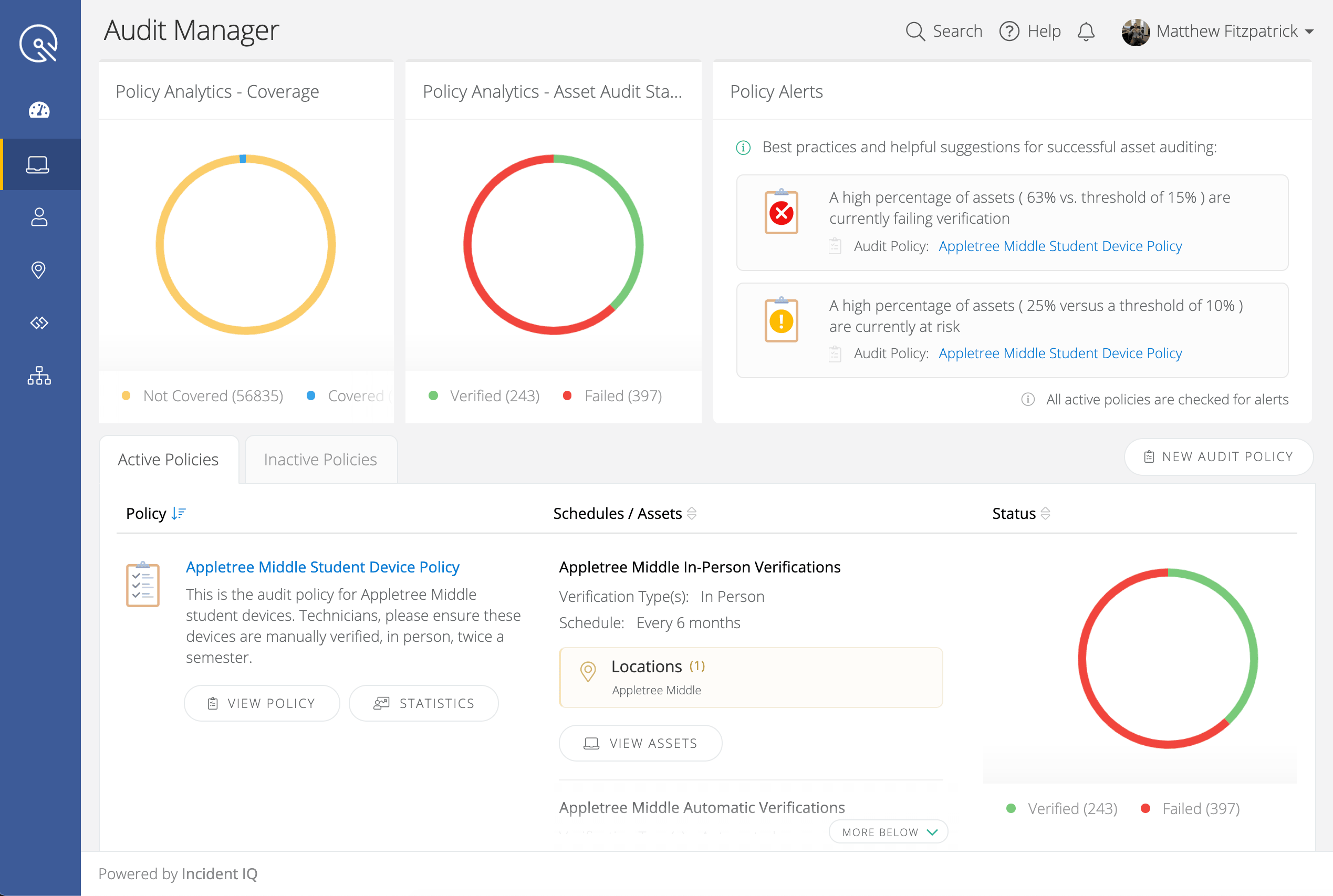
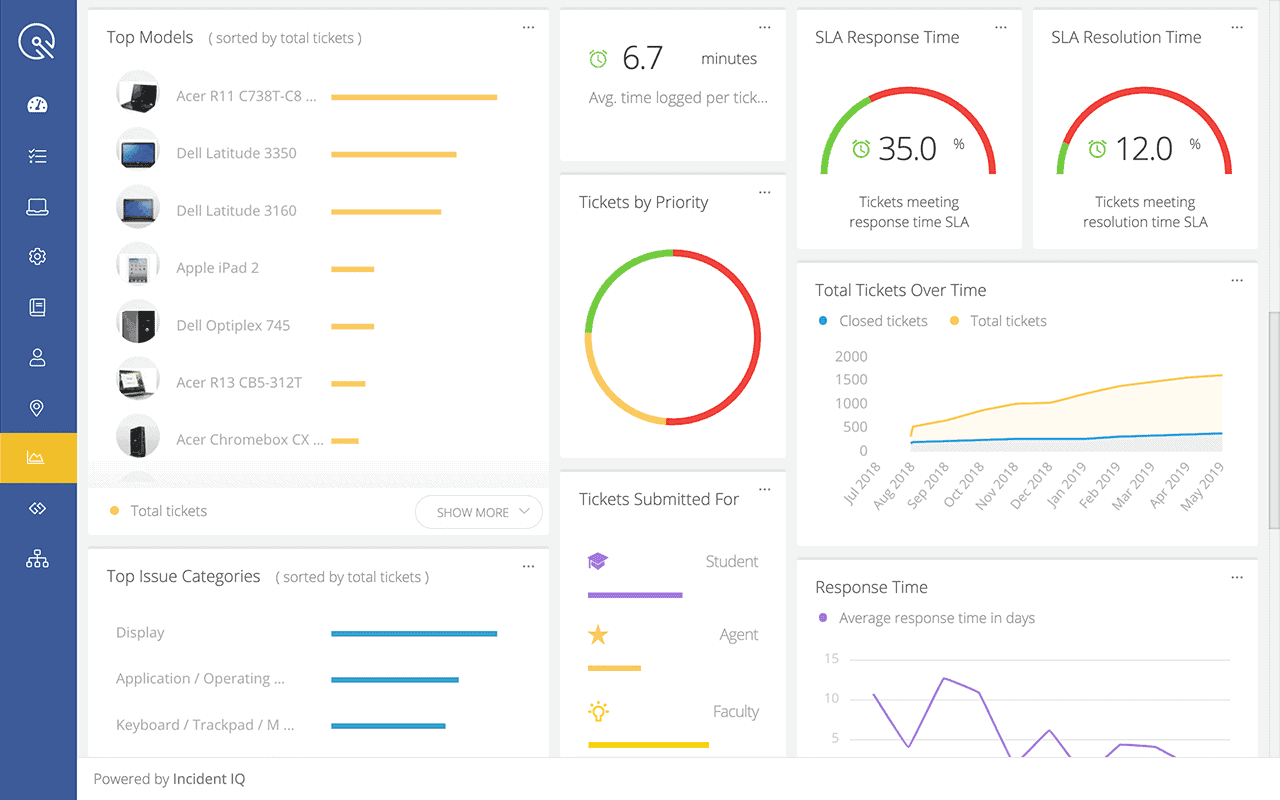
Rely on asset management reporting functions to pinpoint important usage (or non-usage) details. You can even spot trends—like a sudden uptick in battery issues—enabling you to identify the root cause and prevent further issues from happening.
APP INTEGRATIONS
Easily connect with Google Admin Console.
Chromebook management is made easy through iiQ’s Google devices integration, which collects and syncs all school district device data with iiQ’s help desk and asset management tools. Securely amplify your district’s device management success with this (and other) iiQ integrations.
LEARN ABOUT APP INTEGRATIONS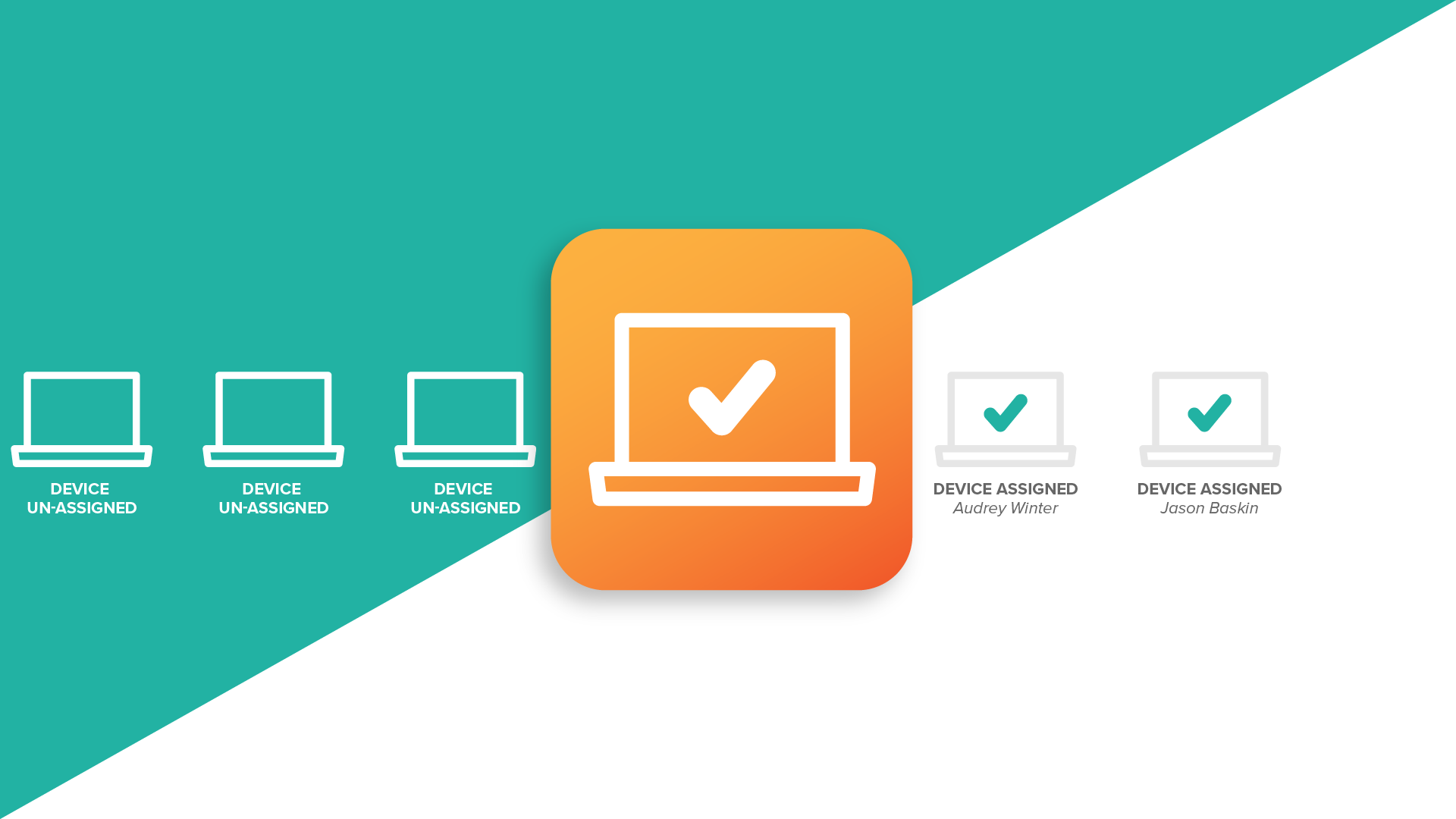

CHROMEBOOK MANAGEMENT SOFTWARE FAQS
What is Chromebook management?
Chromebook management is the process of configuring, monitoring, and maintaining a Chromebook inventory within your school or school district. This typically occurs through a centralized administrative platform, like Incident IQ. Chromebook management processes allow IT administrators to control settings, enforce security policies, deploy apps, and monitor device usage all from a single dashboard.
Why do schools manage Chromebooks?
K-12 IT teams rely on Chromebook management software to create a controlled, secure, and efficient digital learning environment for students. Chromebook management practices allow admins to ensure that only approved softwares can be used, and approved websites can be accessed. They also ensure student privacy and security; can limit potential distractions; and allow IT staff to push software updates or troubleshoot devices remotely. Chromebook management even allows administrators to monitor device usage and flag devices that haven’t been used for several weeks (an early indicator of a lost or broken device).
How do I automate device management on a Chromebook?
Schools can leverage cloud-based ChromeOS device management solutions within Google Workspace. Better yet, IT admins can sync device management using management software APIs. By connecting Google Admin Console/Google Workspace with a tool like Incident IQ, IT teams can streamline every task relating to Chromebook asset management.
How do you set up Chromebooks in Google Workspace?
To manage your fleet of Chromebook devices in Google Workspace, all Chromebooks must first be enrolled into your Google Admin console. There, IT admins can link each device to your Google Workspace environment, and create and apply customized settings to device groups.
This process makes it easy to configure Wi-Fi networks, install required apps, set security policies, dictate notification settings, and manage permissions for each user type or group.
What is the best Chromebook management software for schools?
Incident IQ was built from the ground up with the modern classroom in mind. Our powerful software platform gives IT teams a way to keep tabs on district Chromebooks, regardless of their location. Since iiQ is cloud-based, teams can work together from anywhere, on any device—including Windows and Mac computers, iPads or tablets, or even their Android or iOS devices. Quickly deploy devices for K-12 schools, efficiently conduct audits, push security updates, and keep every device functioning. Plus, our tailored pricing ensures you only pay for what you need to meet your specific goals.
Related Resources

Setting Up Chromebooks for Schools: Essential Steps for Student Safety
Learn the essential steps for setting up Chromebooks for schools and ensure a safe online environment for students in K-12.

Chromebook Deployment in Schools: Best Practices for the New School Year
Read this guide to see how you can optimize your device and asset deployment strategies to get Chromebooks, iPads, and other mobile devices out the door quickly and accurately.
Why K-12 IT Teams Need Chromebook Management Software
See how Chromebook management software can be used to effectively organize, track, and manage student devices in K-12 schools.